
How to make a Callback
First, open the call center side panel.

In the call center side panel, you will see pending callbacks listed along with other incoming calls.
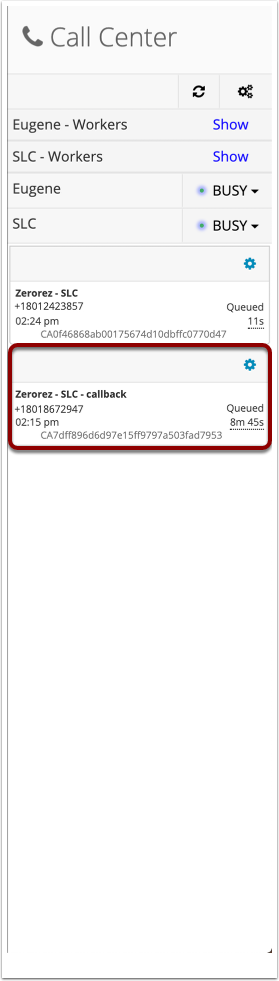
To call a customer back, simply set yourself to idle.
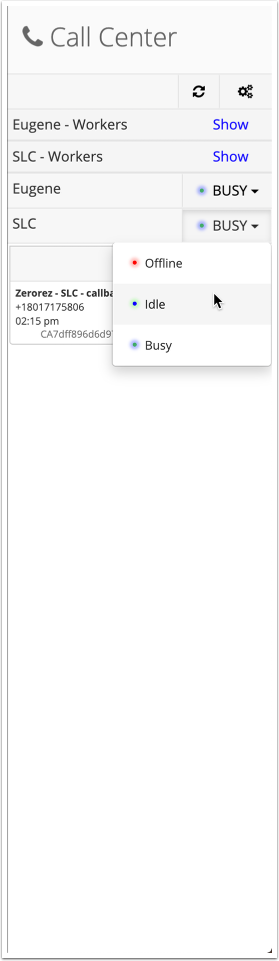
You will get a ring, just like you would for an incoming call, when you are available for the callback.
- You will see that the "incoming call" is for a callback. This is not really an incoming call, but it is a notifier to you that there is a customer waiting to be called back.
- To call the customer back, press accept.

The call dial-pad will then open to make an outbound call to the customer.
After you have finished the call you can hang up.

Comments
0 comments
Please sign in to leave a comment.