
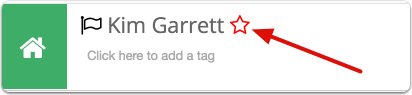
To set a VIP flag for a client, click on the red star next to the client name.
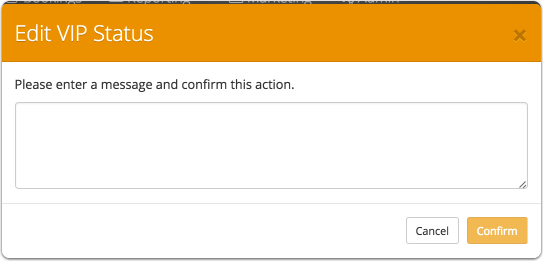
Enter the VIP comment in the pop up box
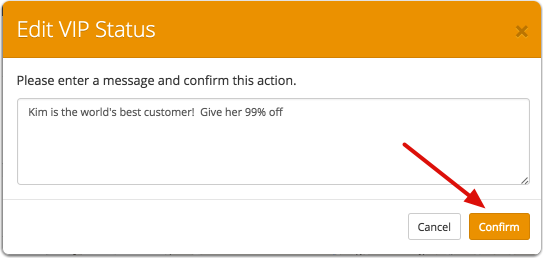
Click confirm.

The star next to the client name will turn red and the VIP comment will appear in the client comments in a red font. This VIP comment will always stay at the top of the list.

When a CSR goes to book a job for a VIP client, the VIP comment will appear as a banner on the booking screen.
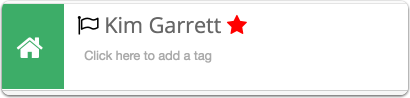
To remove VIP status, click the red star
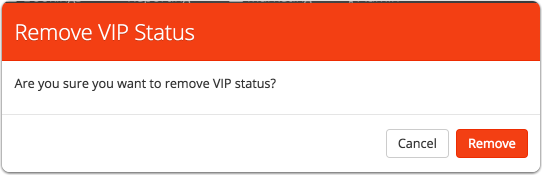
Confirm that you would like to remove VIP status. The comment will now disappear from the client comment section.
Comments
0 comments
Please sign in to leave a comment.