
1. Errors
Several errors can occur when trying to process a payment.
These usually occur after pressing the "Start Transaction" button.
- Device Not Connected
- Device is Updating
- Transactional Errors (errors that occur while adding payment)
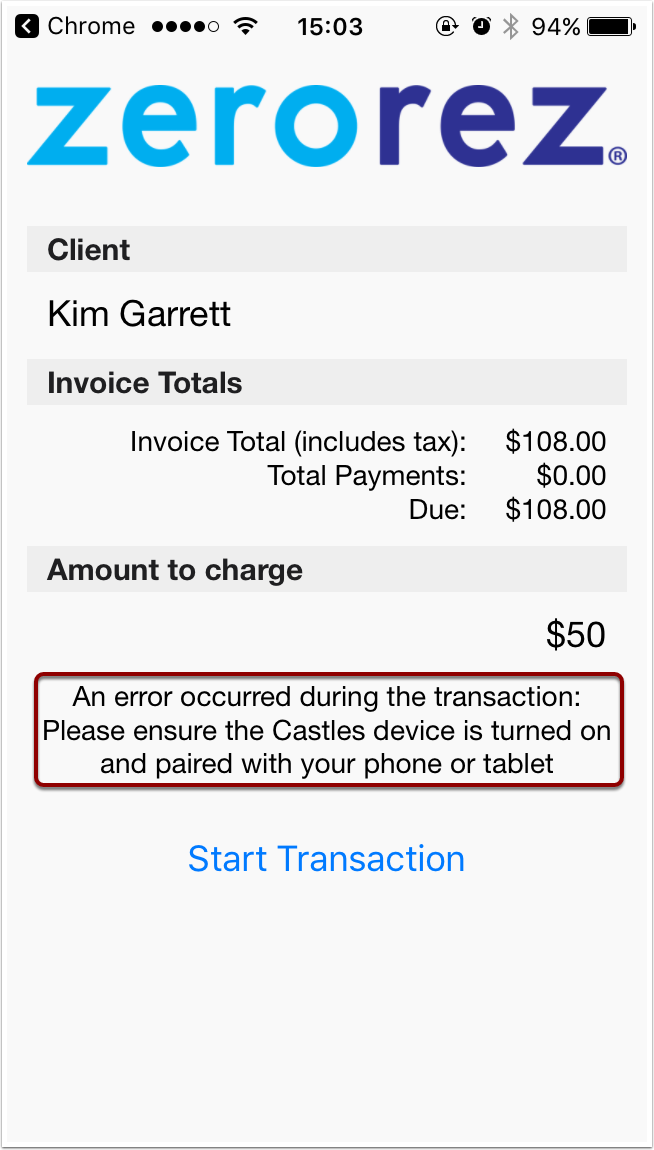
1.1. Device Not Connected
This error occurs when your devices are not paired via Bluetooth.
Follow these instructions for connecting your device.
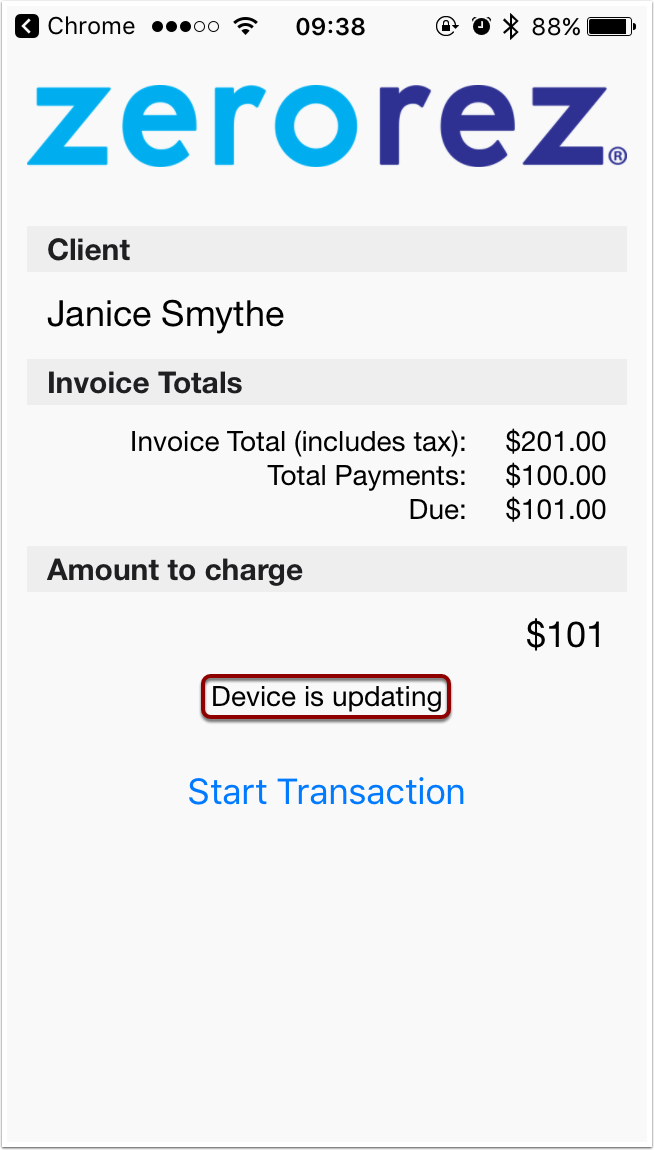
1.2. Device is Updating
This error primarily affects iPhones (iOS).
This message occurs when attempting to start a transaction while the device is still updating.
Wait a few seconds and try again. If you continue to get this message and are not able to process payment, close the point of sale app and relaunch it from zr ware™.
1.3. Transactional Errors
Sometimes your devices successfully connect and you attempt to process a payment.
However, an error occurs that prevents the payment from processing.
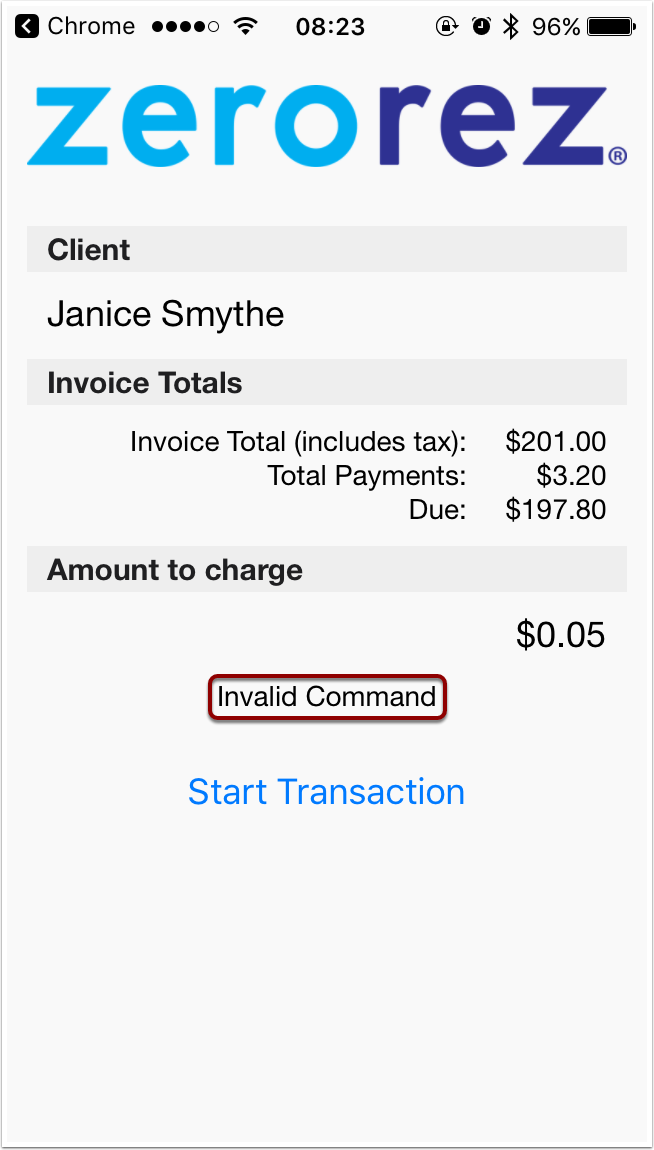
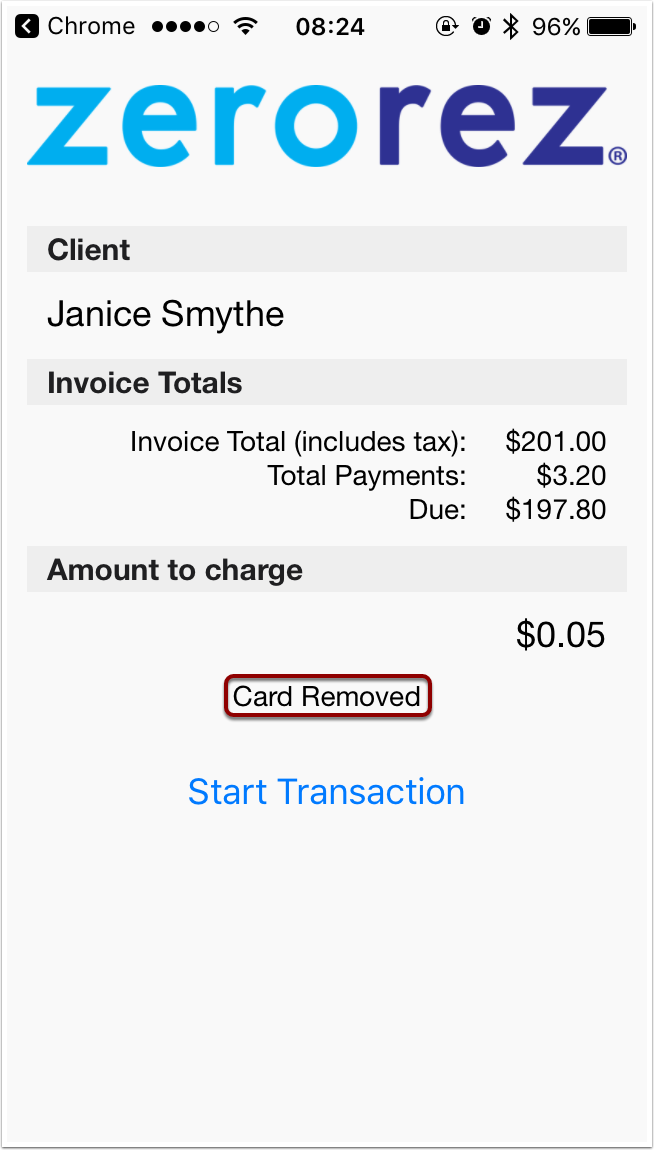
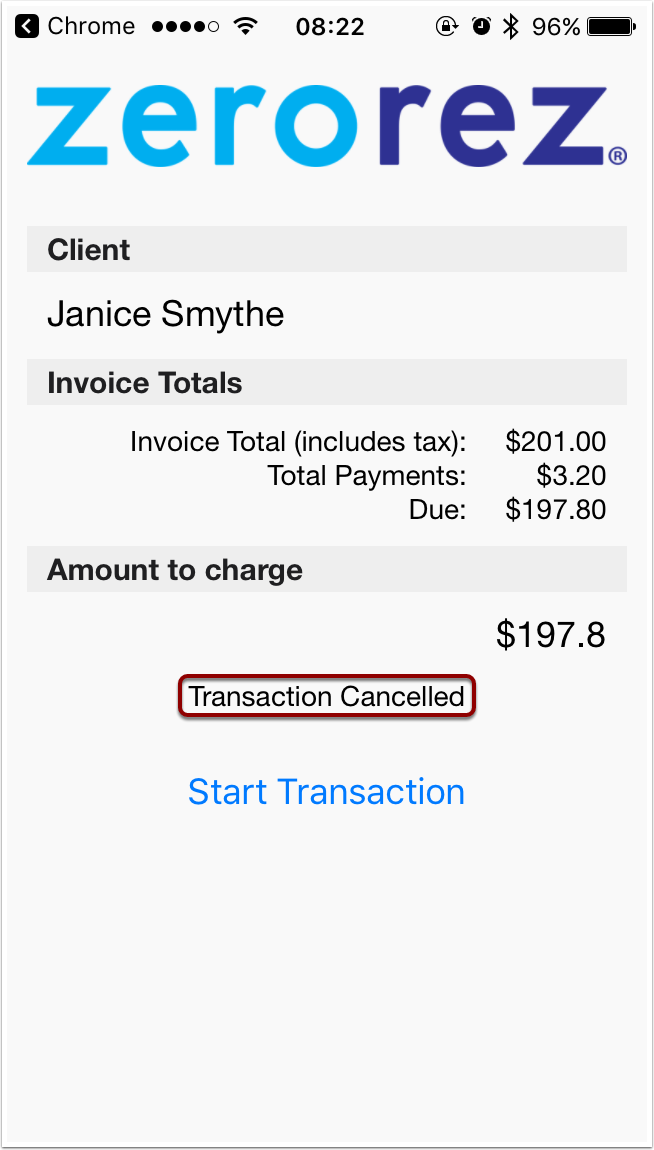
An error message should be displayed on the card processing device and you may also get a message on your phone like one the following.
How to handle these errors should be determined on a case by case basis.
Comments
0 comments
Please sign in to leave a comment.