
There are a few ways to move appointments from one schedule to another
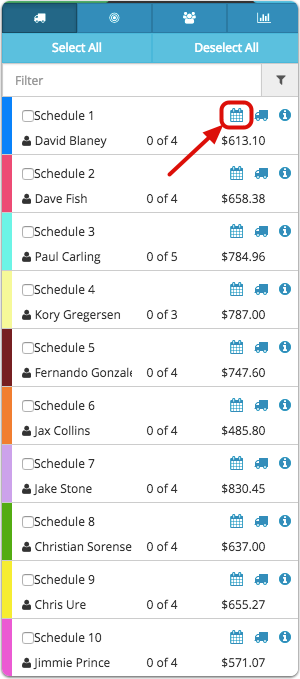
Click the calendar to open the schedule for the route we are taking the job off
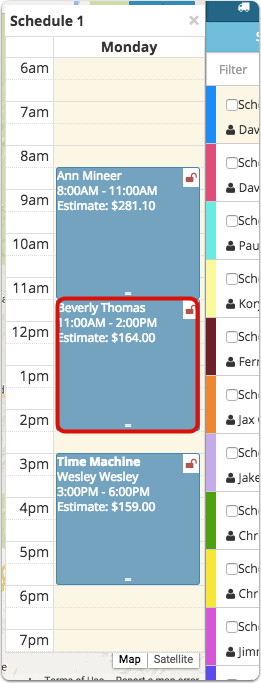
Click the job you want to move
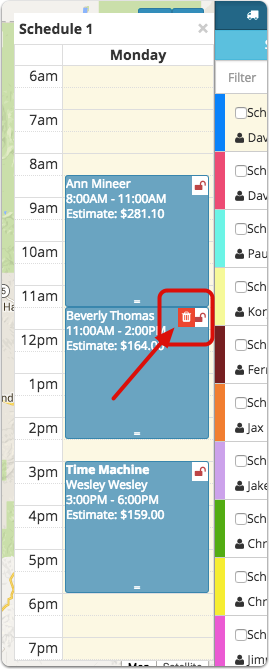
Click the trash can
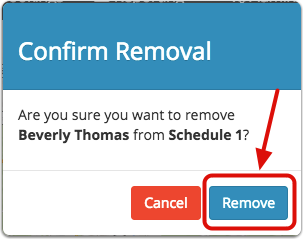
The Confirm Removal window will pop up
Click Remove
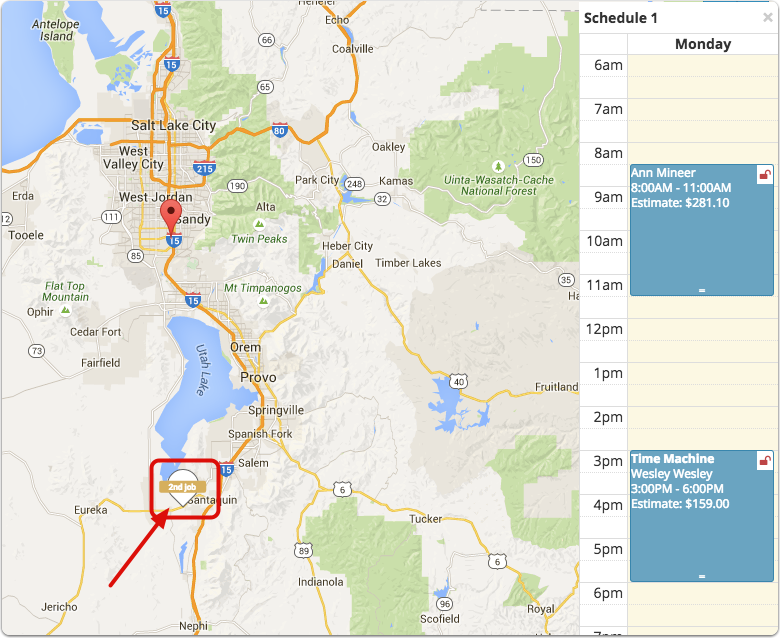
The job is removed from the route and the appointment pin is placed back on the map
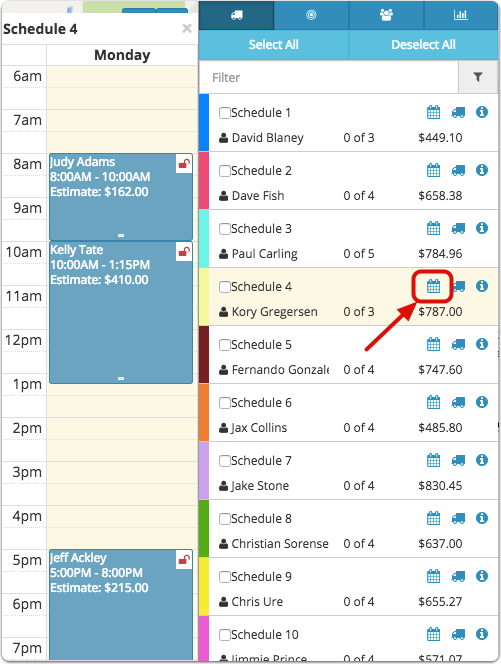
Open the route that you want to move the job to
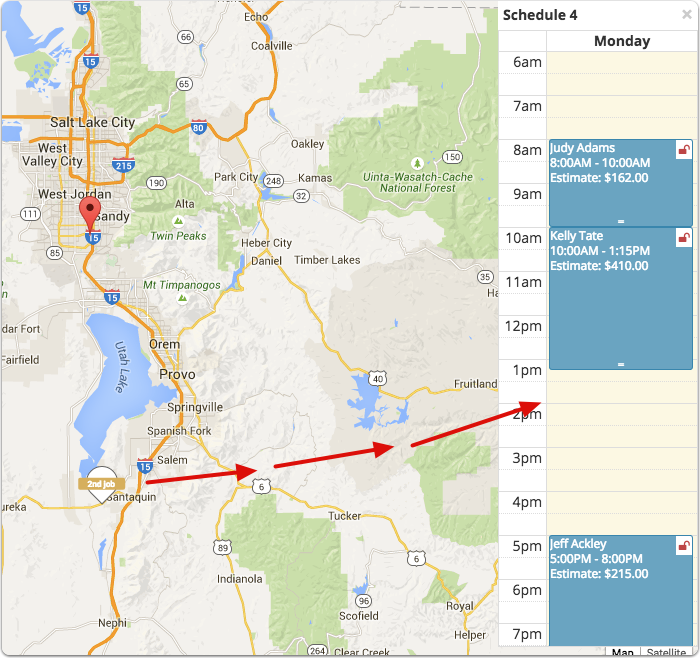
Click and drag the appointment pin onto the new route
You also can move a job from one route to another route by following these steps
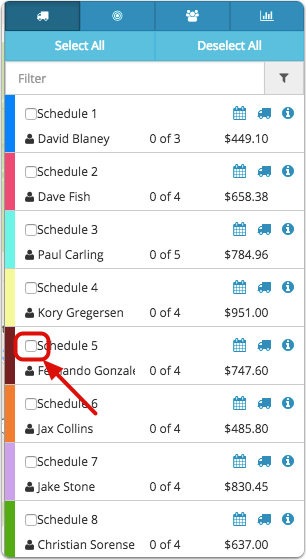
Click the box next to the schedule containing the job that needs to be moved

The jobs on this schedule will be highlighted on the map. Â For this example, we are going to move the 4th job on this schedule onto Schedule 1

Click the calendar to open Schedule 1

Click and drag the job onto Schedule 1
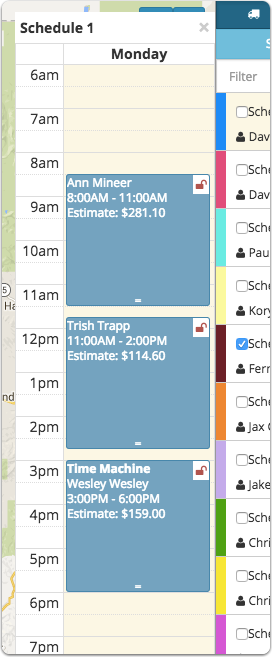
The job has now been moved from Schedule 5 to Schedule 1

Using the card view, you can click and drag and appointment from one route to another. You also can un-route the job by moving it to the bucket at the top of the page.
Comments
0 comments
Please sign in to leave a comment.