
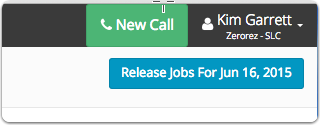
Click the New Call button
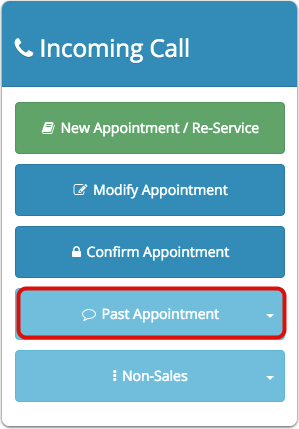
Click Past Appointment
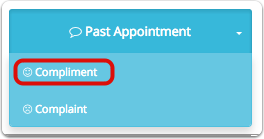
A drop down will appear with the option for you to select Compliment and Complaint.
Click Compliment
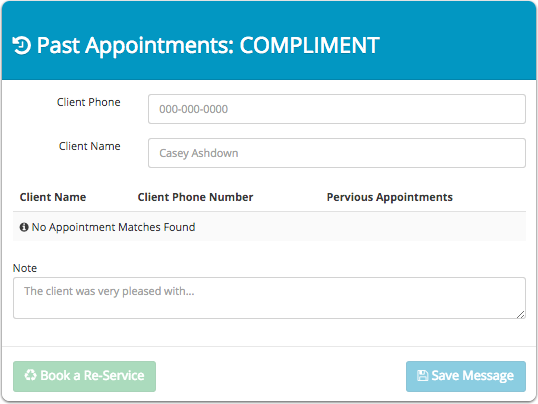
Enter the client name or phone number
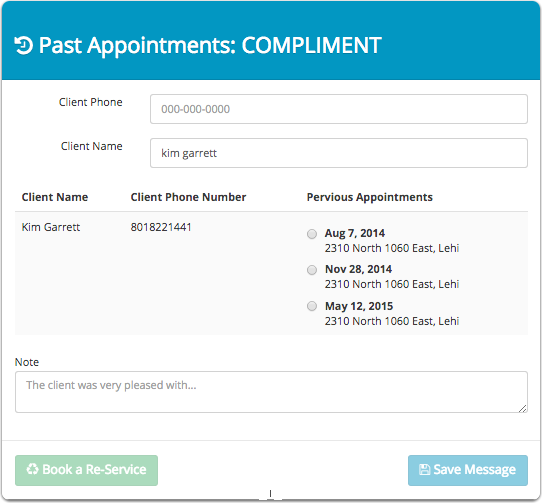
A list of all previous appointments for the client will be populated
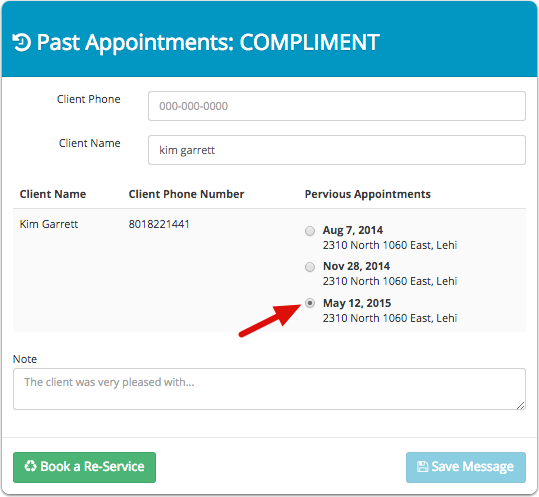
Select the appointment that they would like to compliment
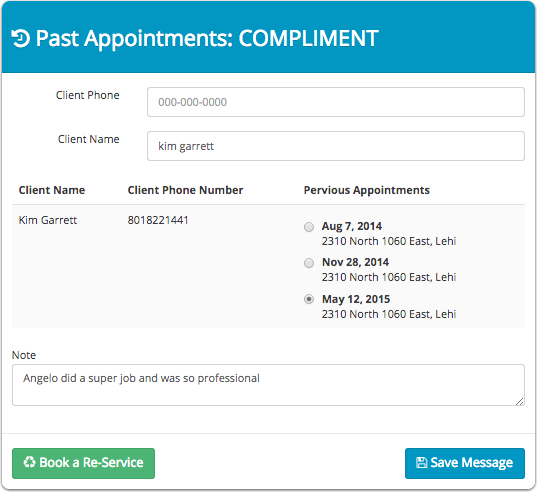
Enter notes describing what the client was very pleased with.
Click Save Message
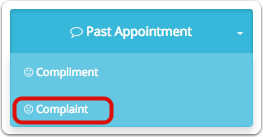
For a client complaint, click the complaint under past appointment
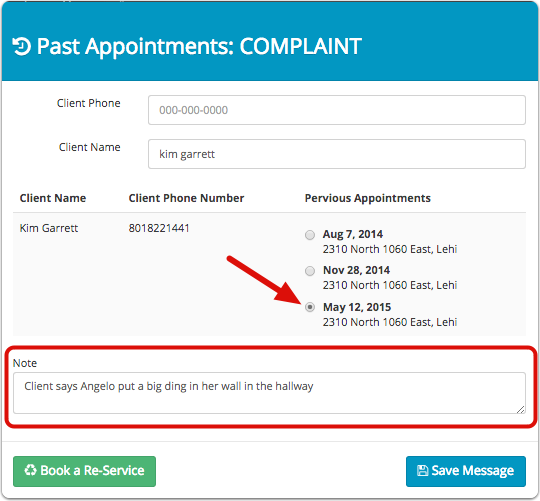
Enter the client name or phone number
Select the appointment that the client would like to issue a complaint
Enter notes regarding the complaint
Click Save Message
Comments
0 comments
Please sign in to leave a comment.